
Description
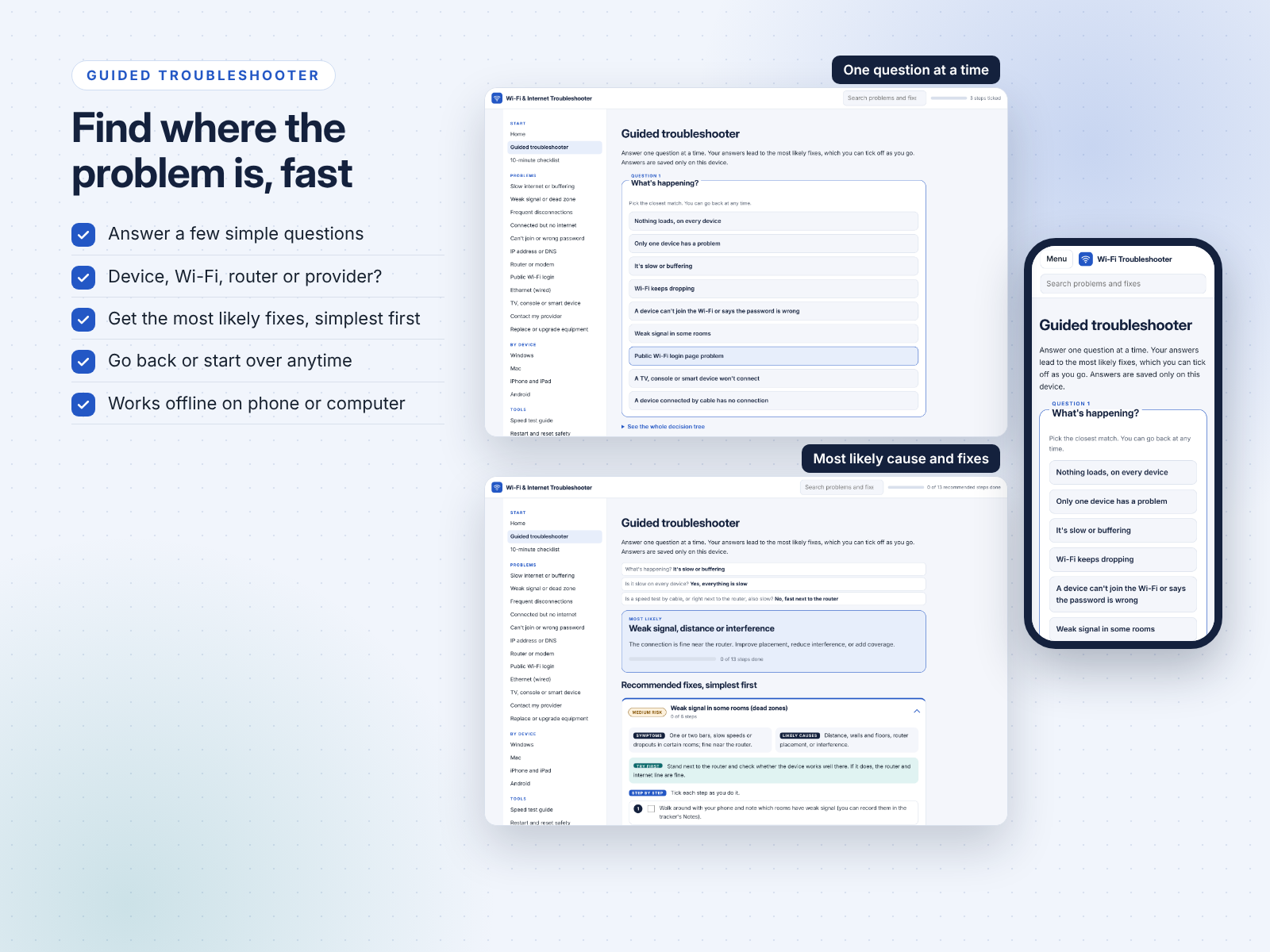
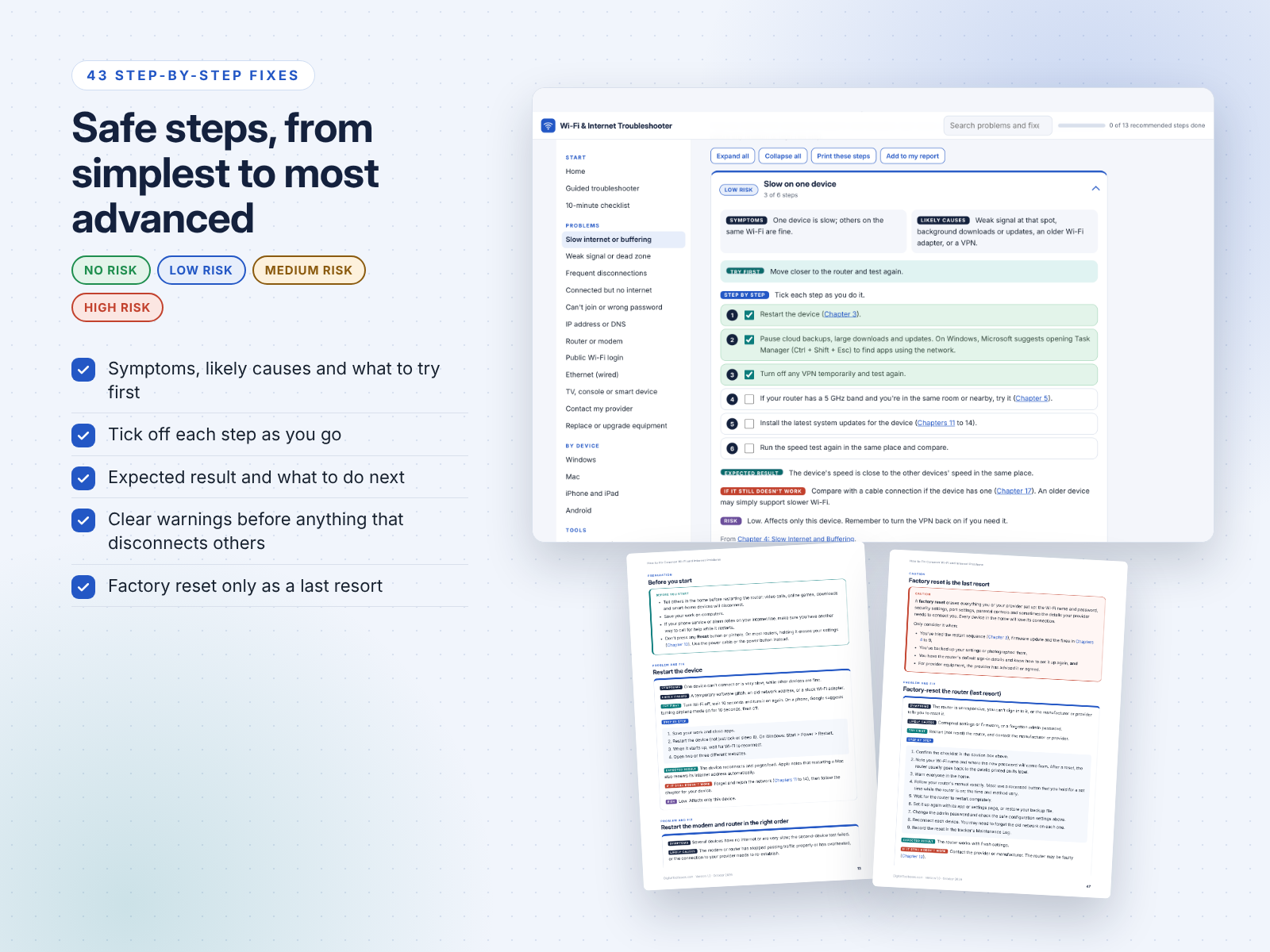
Answer a few quick questions to find out whether the problem is your device, your Wi-Fi, your router or your internet provider. Then follow clear, numbered fixes, from the safest checks to more advanced steps. Every fix has a risk level, and the kit warns you before anything that disconnects other people or erases settings.
What’s included
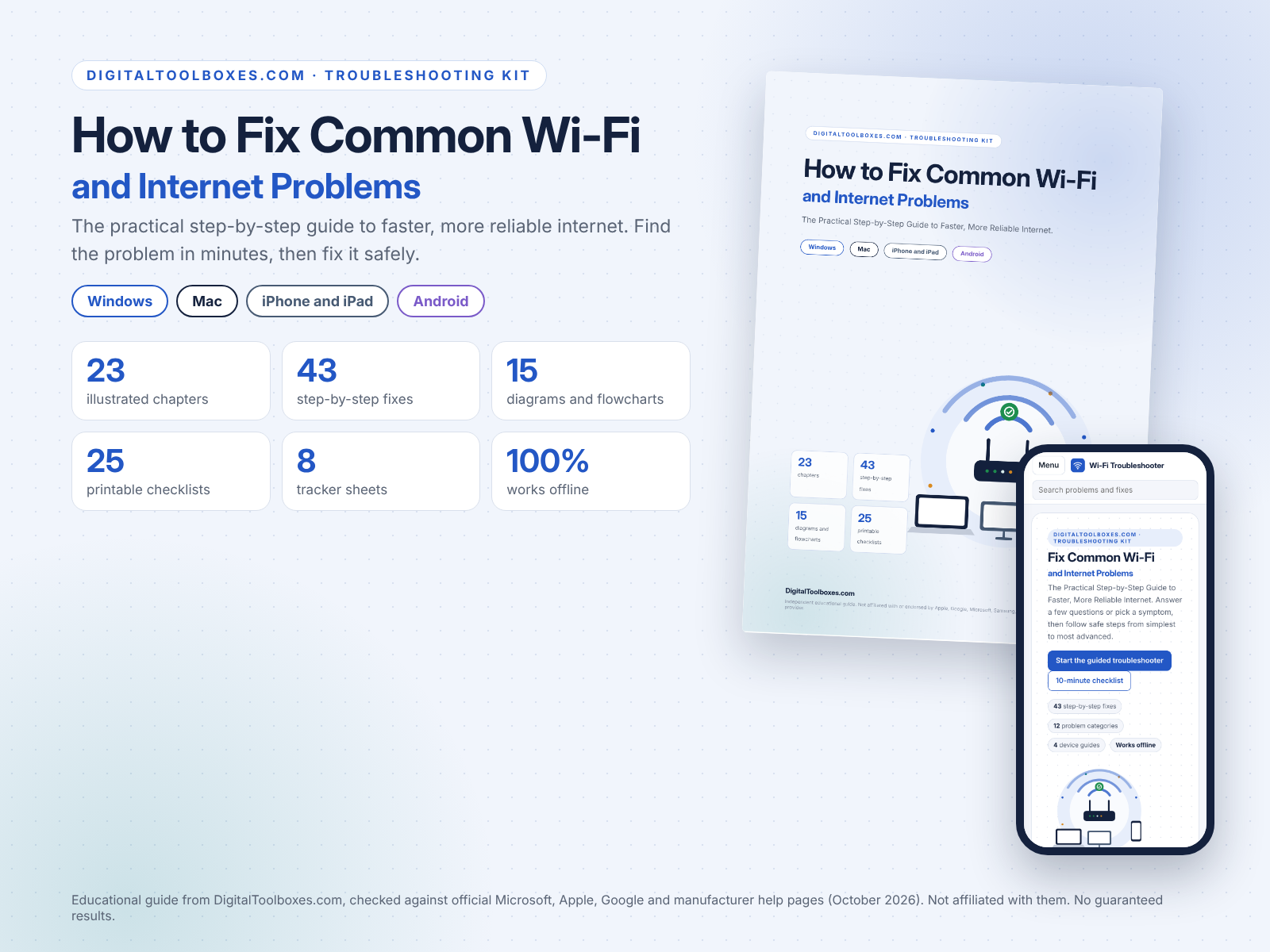
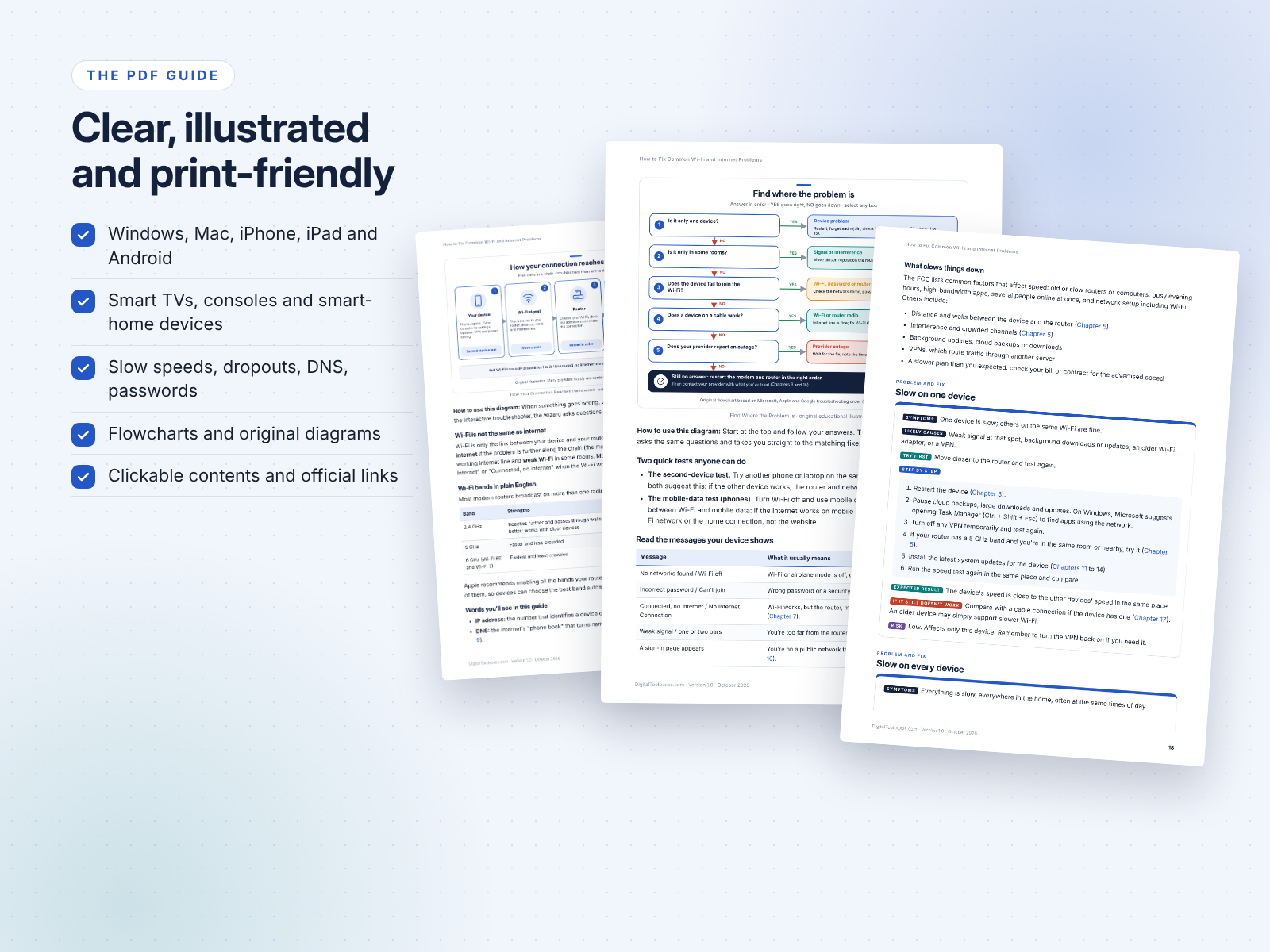
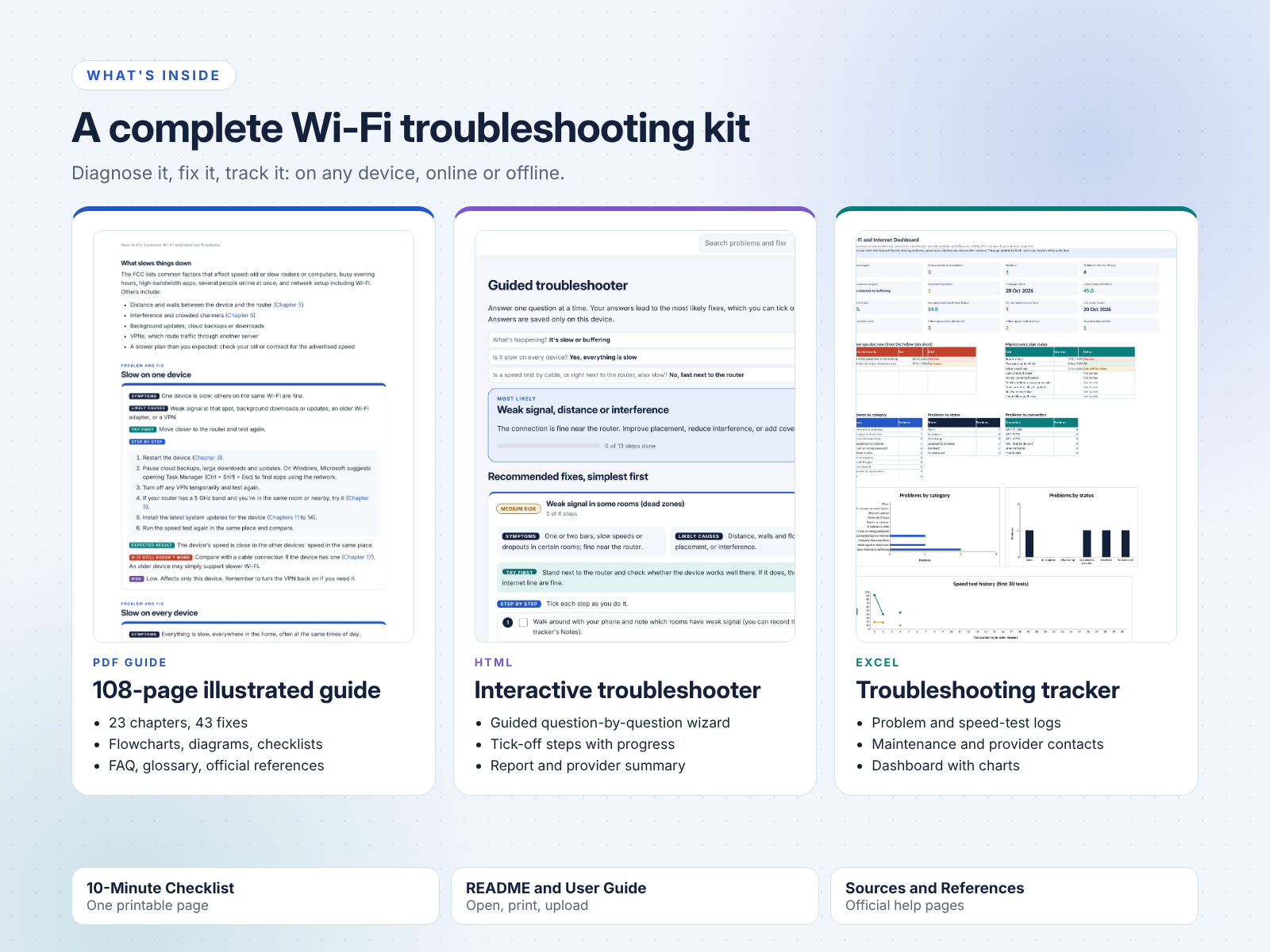
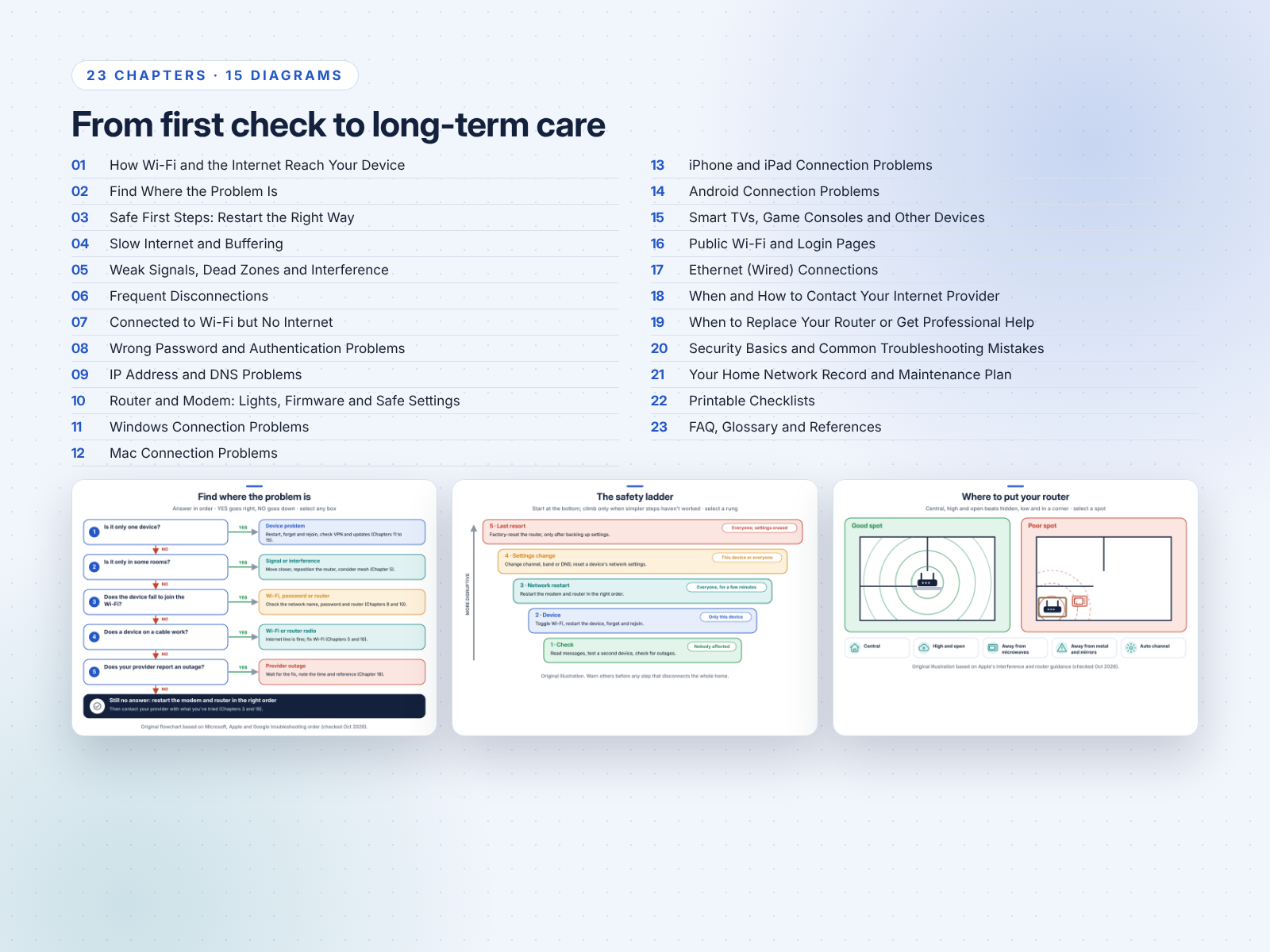
- PDF guide (108 pages):23 illustrated chapters with 43 step-by-step fixes.
- Each fix covers the symptoms, likely causes, what to try first, numbered steps, the expected result and what to do next.
- 15 original diagrams and flowcharts, 25 printable checklists, an FAQ, a glossary and official references.
- Interactive troubleshooter (HTML):A guided question-by-question wizard, 12 symptom categories and guides for Windows, Mac, iPhone/iPad and Android.
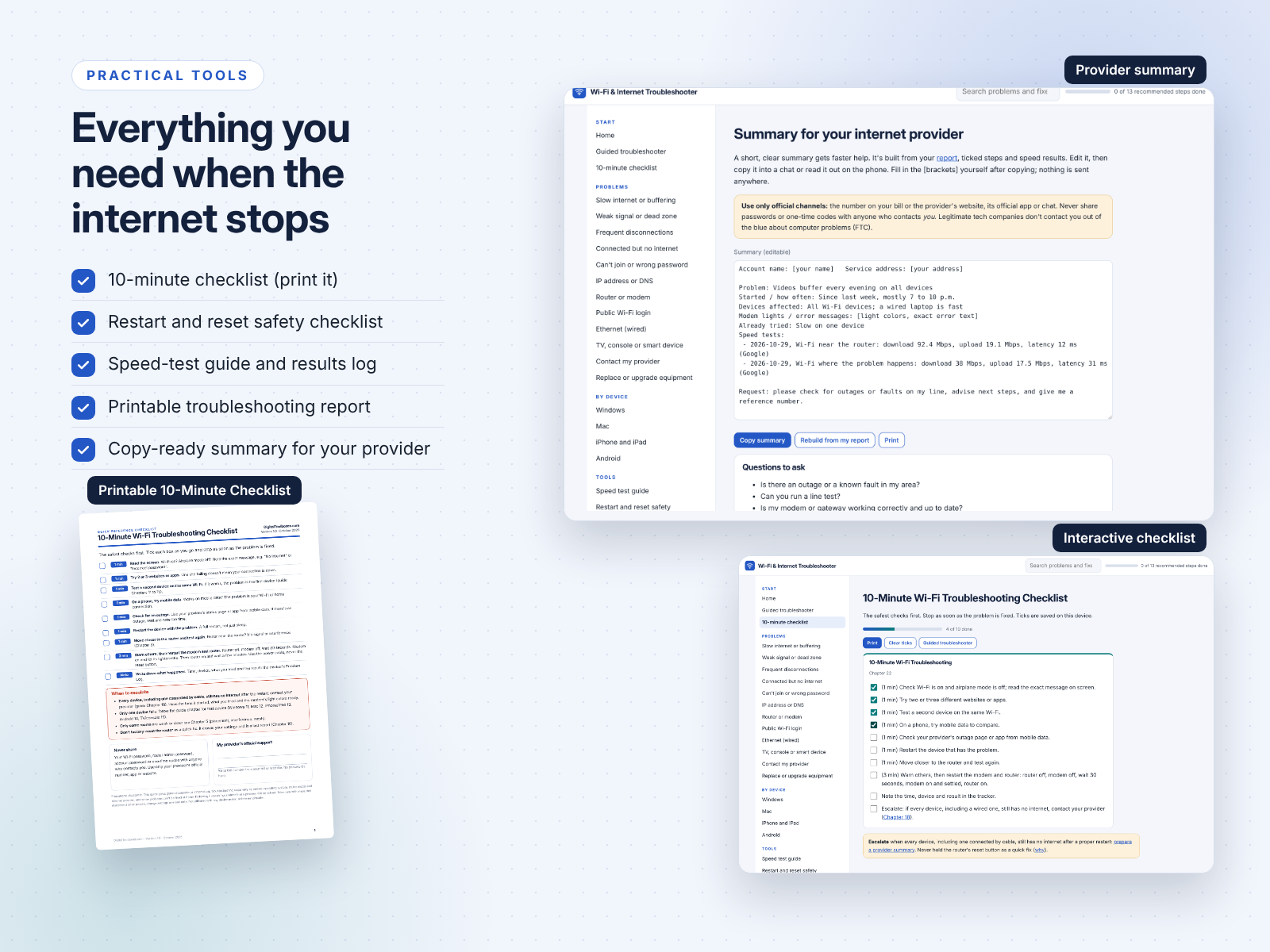
- Tick-off steps with progress, a restart and reset safety checklist, and a speed-test guide.
- A printable troubleshooting report and a copy-ready summary for your internet provider.
- Works offline and can be uploaded to your own website.
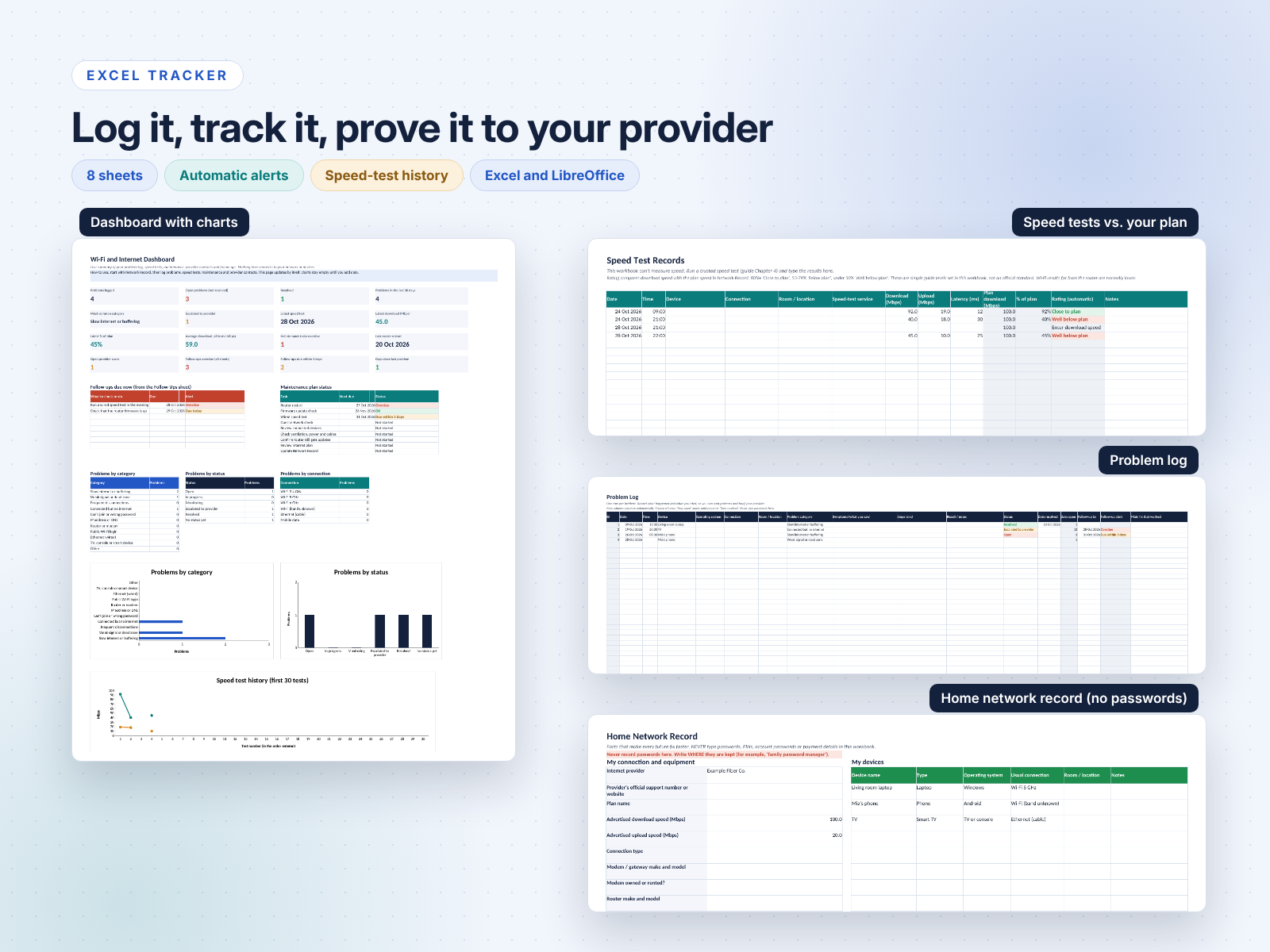
- Excel tracker (8 sheets): problem log, speed tests compared with your plan, maintenance plan and log, provider contacts, follow-up reminders, a home network record and a dashboard with charts.
- Extras: a one-page 10-Minute Wi-Fi Checklist, a README and user guide, and a sources and references PDF.
You’ll learn how to
- Restart your equipment the right way.
- Run a fair speed test.
- Fix weak signals and dead zones.
- Solve “no internet”, DNS and password problems.
- Get TVs, consoles and smart devices online.
- Handle public Wi-Fi login pages.
- Talk to your provider effectively.
- Know when to replace your router.
- Keep your network healthy long term.
Good for: home users, families, seniors, students, remote workers and small home offices.
Instant digital download as one ZIP file. No physical item is shipped. It works with Excel 2016 or later or LibreOffice, and with any modern web browser.
Please note: this is an educational guide from DigitalToolboxes.com. Steps vary by device, operating system, router and internet provider, and no fix is guaranteed. The kit never asks for passwords. The interactive troubleshooter can’t measure your speed or test your connection. It is not affiliated with Apple, Google, Microsoft or any internet provider. Instructions were checked against official help pages in October 2026.

Reviews
There are no reviews yet.